Guide
How to make a retreat recap video, script first
A recap usually has no talking head to carry it. Write its script first, in 6 to 8 short lines, and let each line ask for one shot. The same order works for an event recap video.
Before the event
Ask before you film
I'm Kyle. I built lazycut, and I have never run a retreat, so this is how I'd do it. Consent comes first: a recap is an ad with your guests in it.
- Ask in writing before anyone arrives: a yes or no on the booking form about being filmed for marketing.
- Make a no easy. Tell whoever holds the phone who stays out of frame.
- Name the sessions that are never filmed, and say so on day one.
- Before you post a close-up, show it to the person in it.
Not legal advice. Rules differ by country.
During the event
The shot list: seven moments
You'll be busy hosting. One phone is enough.
- Arrivals
- Bags at the door, first hellos. Film it wide.
- The space at dawn
- The room set up and empty, the path, the view. Stand still.
- Hands
- Pouring tea, writing, rolling out a mat. No faces needed.
- Meals
- The table being laid, plates passed along.
- Movement
- The walk, the swim, the class, wide or from behind.
- Quiet moments
- One person with a view, from behind. Shoes at the door.
- The last morning
- Hugs, bags going into cars, the empty room again.
Hold each shot for a slow count of ten, and hold the phone the same way all week. On my trip, 119 of 135 clips were upright and the cut was sideways.
The structure
60 to 120 seconds, one line per beat
Six to eight beats: one short line each, then a few seconds of picture with no words. Fill in the brackets.
- The place. “In [month], [number] of us met at [place].”
- Who came. “People came from [near] and from [far].”
- The mornings. “We started each day with [the first thing you did].”
- The work. “Then [what people came to do].”
- The table. “We ate [the meal people still mention] together.”
- The surprise. “On day [n], [the thing nobody planned].”
- The turn. “By the last night, [what you saw change, said plainly].”
- The invite. “The next one is [dates]. [Where to book].”
After the event
Write it from what happened
- Write it on the way home, before you open the footage.
- Say what happened, not what it meant: “We swam before breakfast”, not “a week of renewal”.
- Scroll the footage once. If a line has no picture, change the line.
- Quote a guest only with their yes.
A real example
A trip, not a retreat, but the same job
I have no retreat footage, only 135 clips from one trip to the Rockies. I wrote five lines about it, and lazycut looked for a shot for each.
-
Line 1
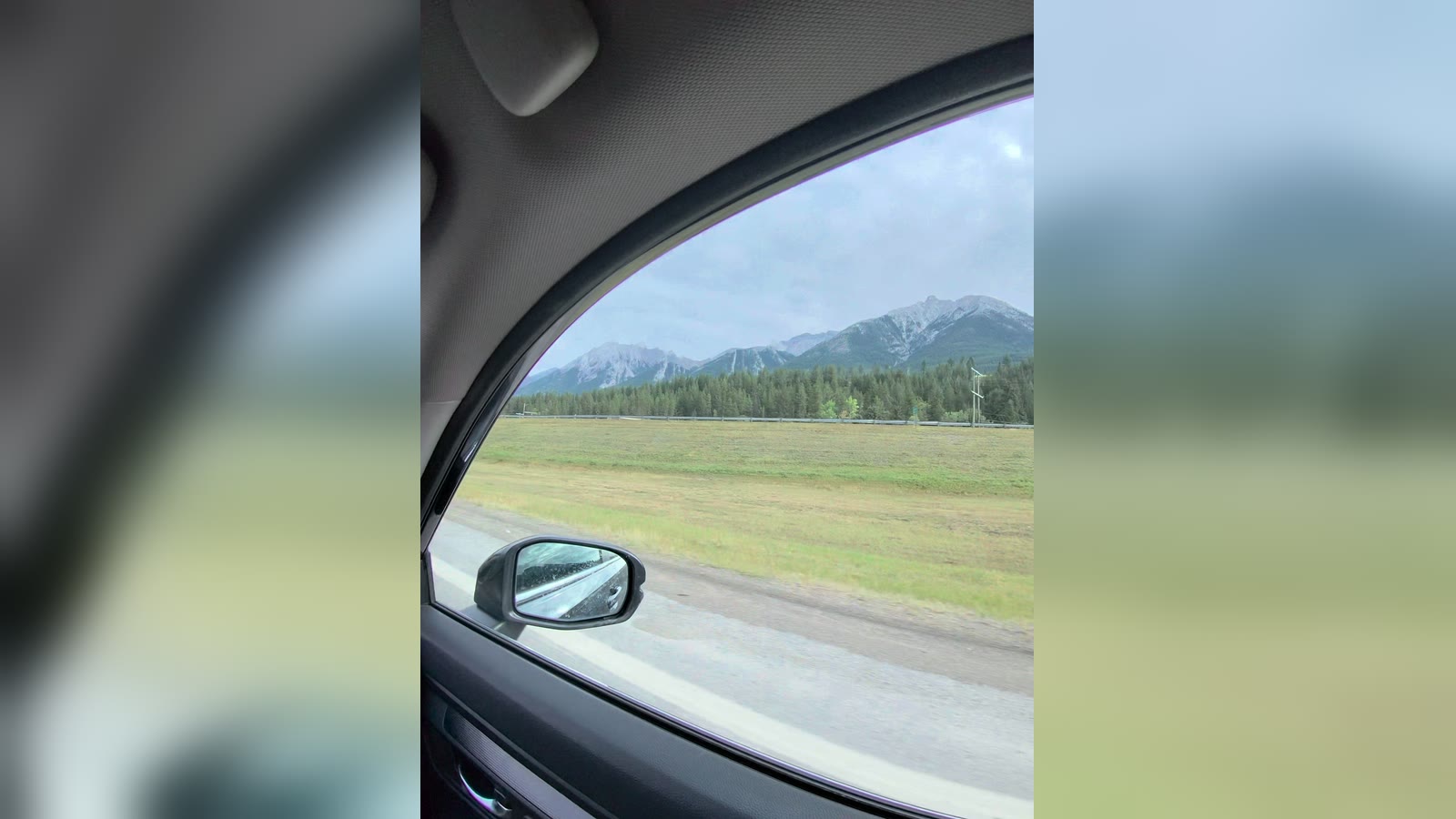
“My girlfriend and I drove into the Rockies.”
- lazycut's reason
- “A car drives a scenic highway toward the mountains, matching the road trip into the Rockies. Shot portrait, but no landscape driving shot exists.”
- My part
- lazycut placed the middle of the clip, with the driver in profile. I moved it to the window.
-
Line 2
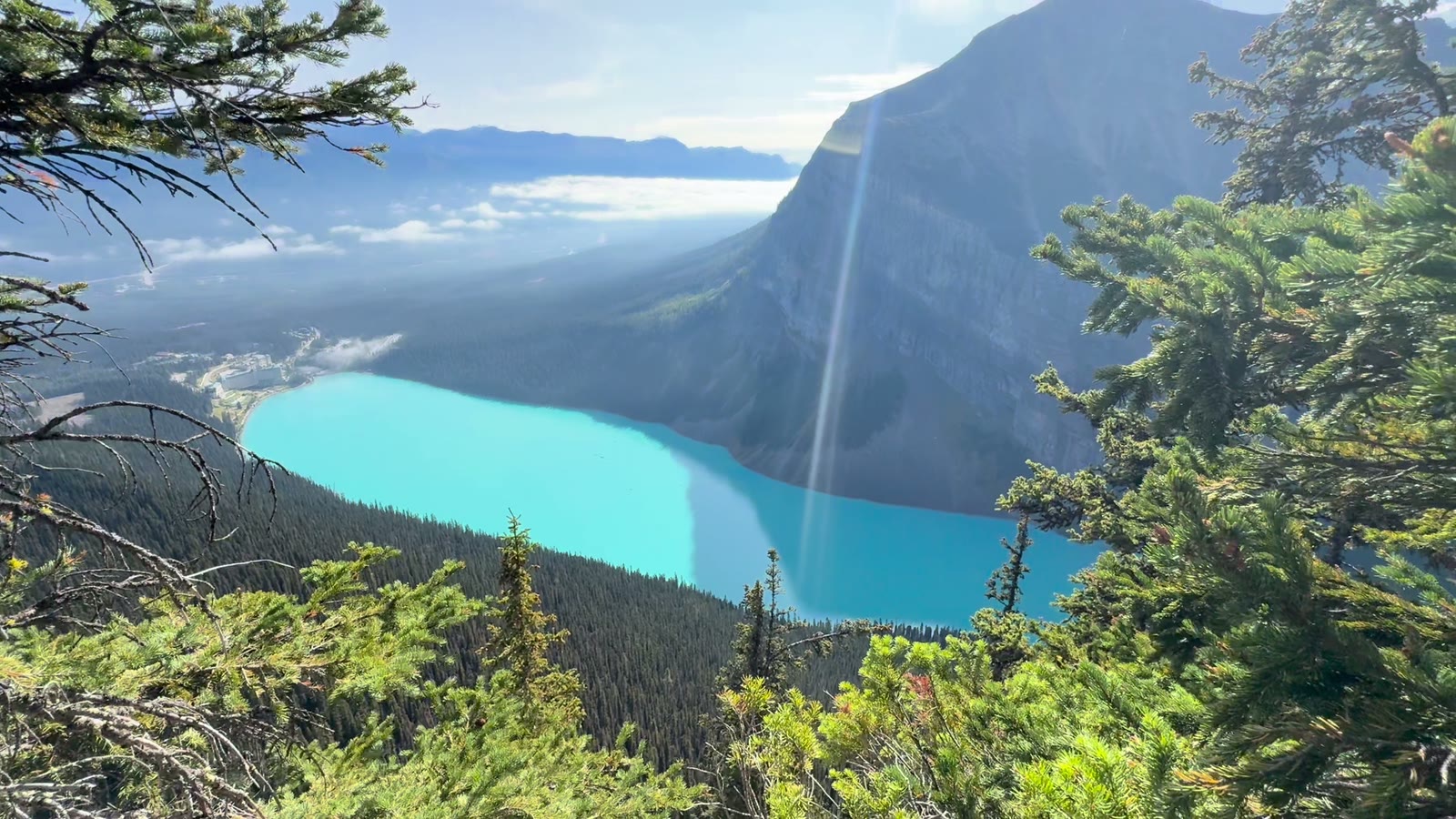
“Lake Louise was bluer than any photo of it.”
- lazycut's reason
- “A wide view of a turquoise lake between towering mountains shows just how vivid the water is.”
-
Line 3
“She just stood there, staring at the mountains in the fog.”
- lazycut's reason
- “A woman stands still in the forest, gazing at mist-covered mountains. It matches the line almost exactly.”
- My part
- Not exact: she is smiling, turned away from the fog. No still here: her face is in it.
-
Line 4
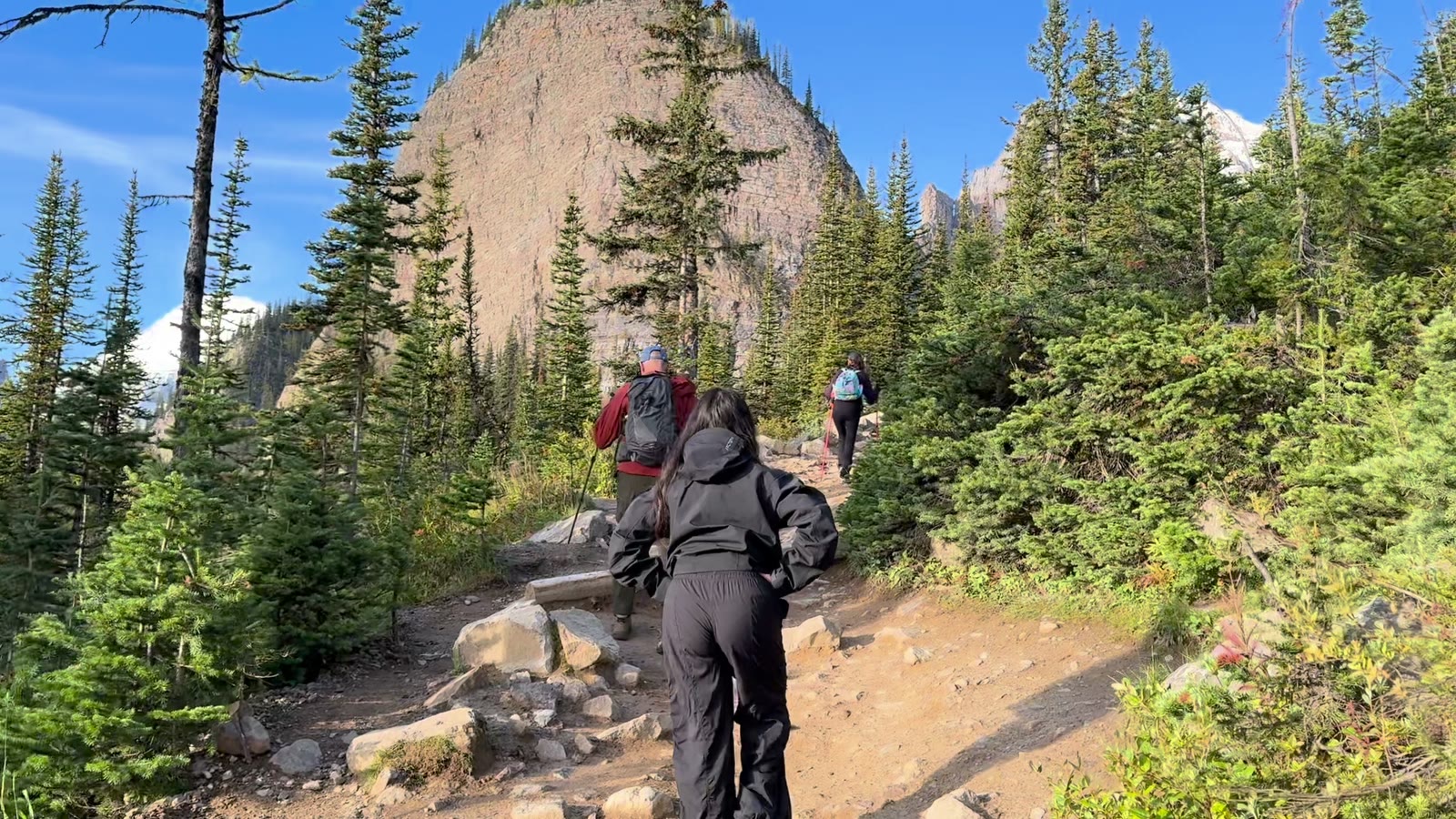
“We climbed a trail up through the pines.”
- lazycut's reason
- “Hikers climb a forested trail through towering evergreens, matching the climb up through the pines.”
-
Line 5
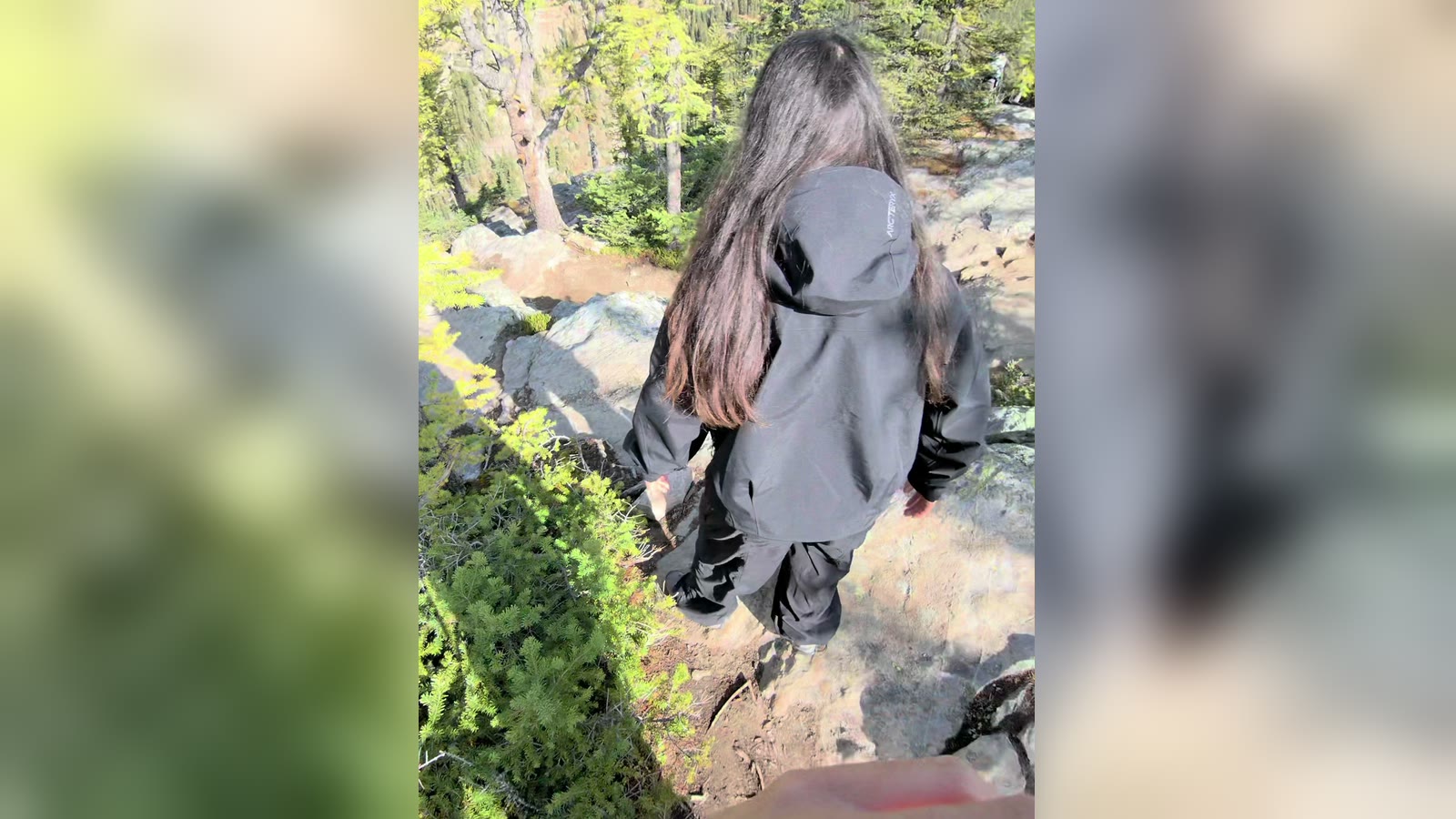
“And somewhere up there, I stopped checking my phone.”
- lazycut's reason
- “A lone hiker stands on a rocky outcrop gazing down at a forested valley with no phone in hand. Shot portrait, but it fits.”
- My part
- Looser than it reads: rocks and trees, no valley. No phone, though.
5 lines, 5 shots. Made with the Mac version of lazycut from a typed script, with no recording. Across four runs, only line 5 ever got a different clip. I picked each frame shown by hand.
All five lines found a shot. I wrote them about the trip the footage came from, which is why the script comes after the event.
My 50-second talk went worse: it asked for desks and I had mountains. The B-roll ideas guide goes through it line by line.
Put it together
- Put the event's footage in one folder, minus clips of anyone who said no.
- Lay one shot over each line, in script order, in any editor.
- Read the script as a voiceover, or set the lines as text on screen.
- Add air between lines and music you have the right to use.
lazycut does a first pass at step 2
In a desktop browser, paste the script and point it at the folder. It places a shot you filmed on each line it can and gives a reason for each. A line with no good match gets no shot and is marked.
It exports a B-roll timeline that opens in DaVinci Resolve or Final Cut. Not Premiere. Resolve has a free version (Blackmagic's page, read 2026-10-03). On Windows, relink the media in Resolve. Shots are timed from the words alone: my five lines came to 18 seconds. The air, the voice and the music are yours to add. Free invite-only beta, no card.
See lazycut for coachesQuestions
How long should a retreat recap video be?
I'd aim for 60 to 120 seconds, which is six to eight beats. If it runs long, cut a line, not the pauses.
Does this work for an event recap video?
Yes. For a workshop or a conference, swap the mornings and the table for the first session and the break. Film the room filling up and the speaker from the back row.
What if I barely filmed anything?
Write the script anyway and see which lines have a picture. Ask guests for their clips, and ask before you use them.
Does lazycut upload my guests' footage?
Not the video files. Those never upload. Your browser takes small stills from each clip, and those pass through lazycut's server to Anthropic's API to be described. Stills can show faces, so only use footage of people who agreed. More on the privacy page.
More guides
- B-roll ideas for coaches: the shots your script asks for
What one real 50-second talk asked for, line by line, and a checklist of 20 shots to film or find in your camera roll.
- How to edit a talking head video with B-roll
When to cut away or stay on the speaker, shown cut by cut on one real 50-second talk.
- How to brief a video editor: what to send, with a template
A seven-part brief and copy-ready template for coaches handing a script and footage to a video editor.